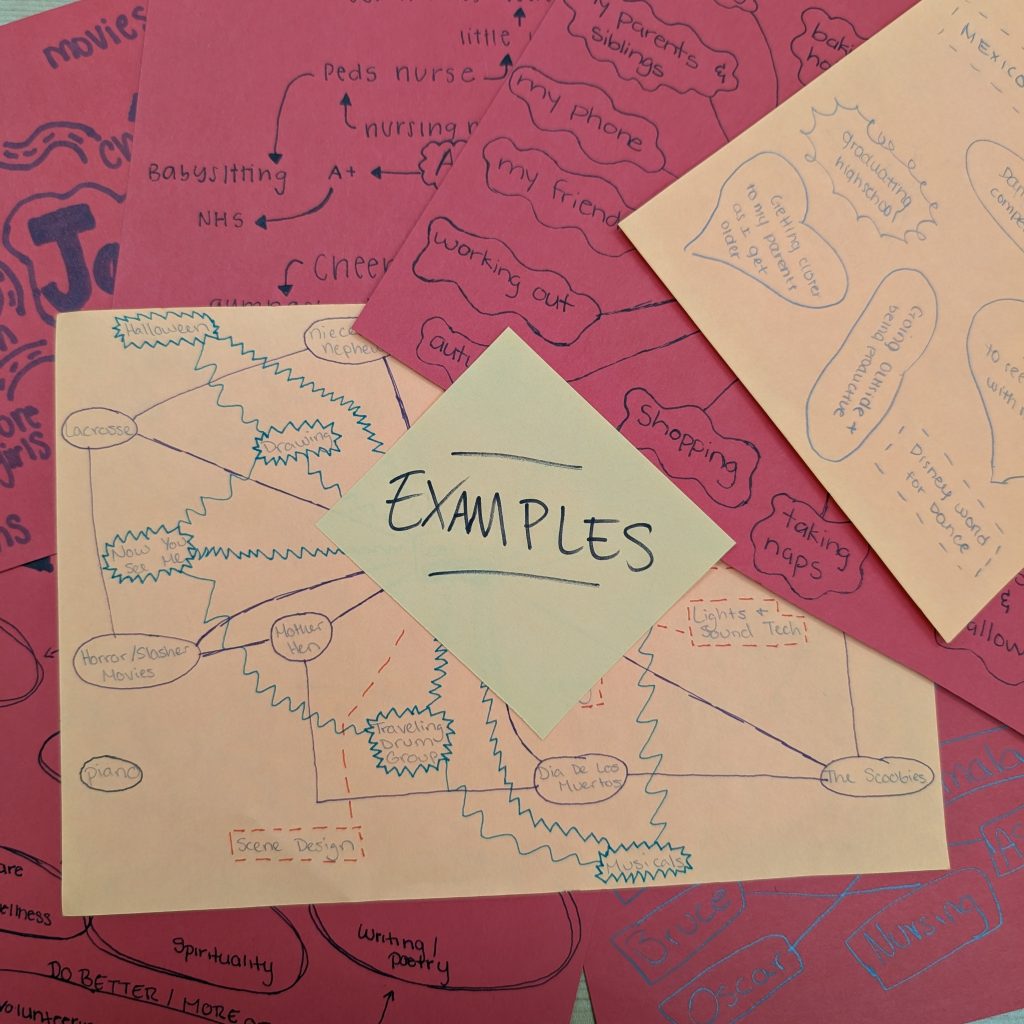
After you’ve completed your Wandering Map in class, add it to this page. You can take a picture of it, scan it, or recreate it digitally.

Adding an image to WordPress:

Hit Enter to start a new line on this page. A black box with a + will appear.

        Click the + box to open up the list of blocks, and scroll down to select Image.

        When you add the Image block to the page, it will give you the option to Upload Media. Find your image on your computer and upload it to your site.

        Once the image is on the page, you can use the editing tools that appear when you click on the image to adjust the size and other elements.